


Latest Designs
Merging contacts and profiles
App
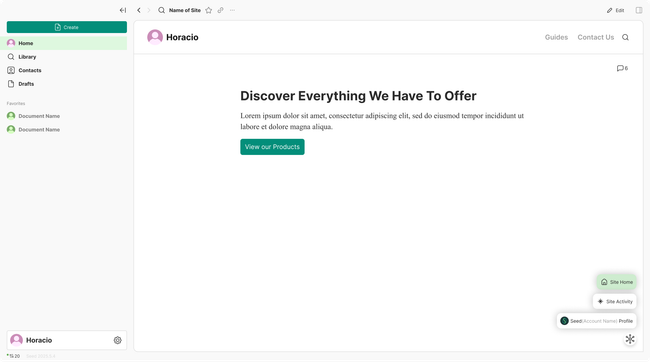
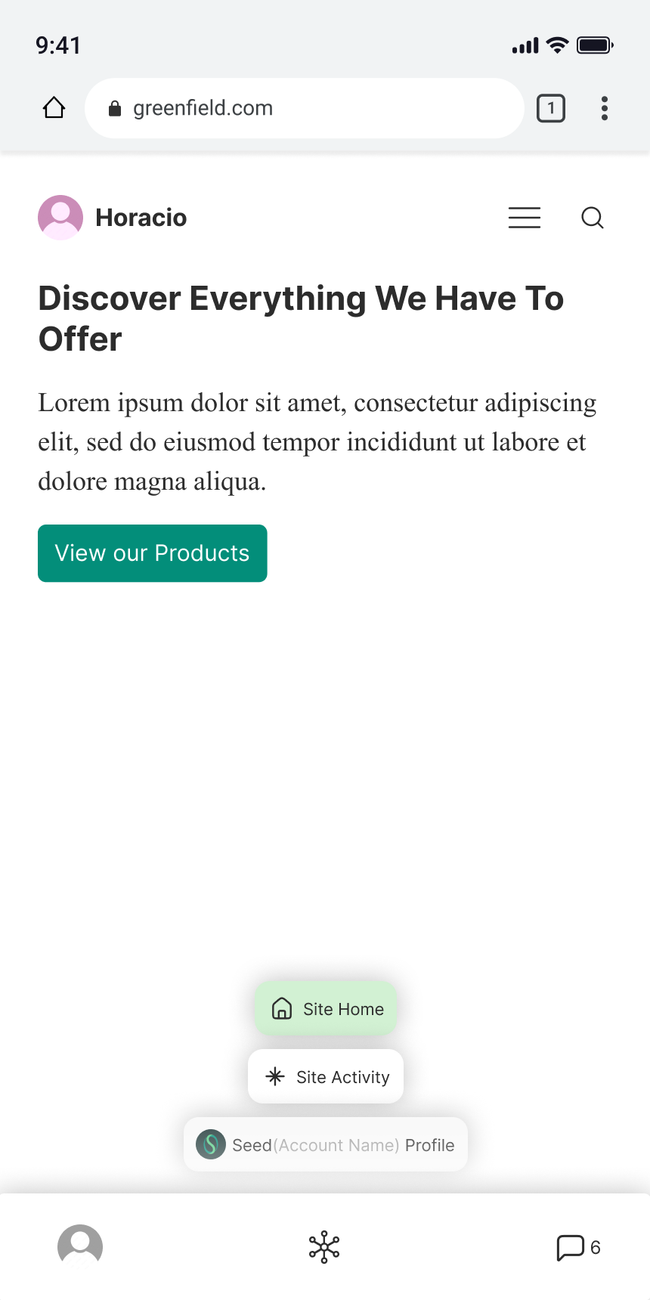
Menu to transition in app to all types of identity view (site home, site feed, and profile view)
Starting in the app on the site home in the bottom right hand corner there will be button that displays a menu to navigate this identity views.
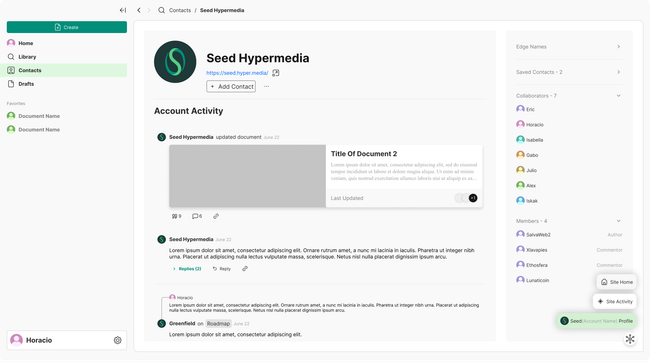
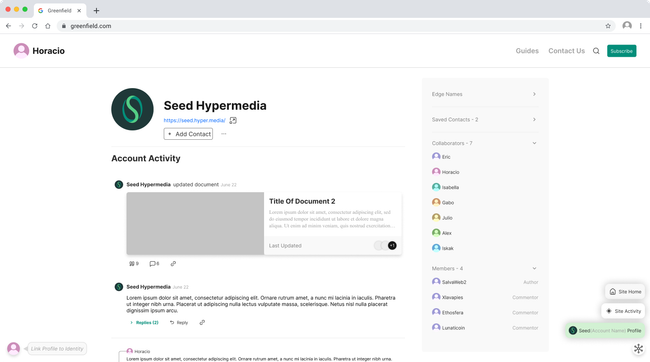
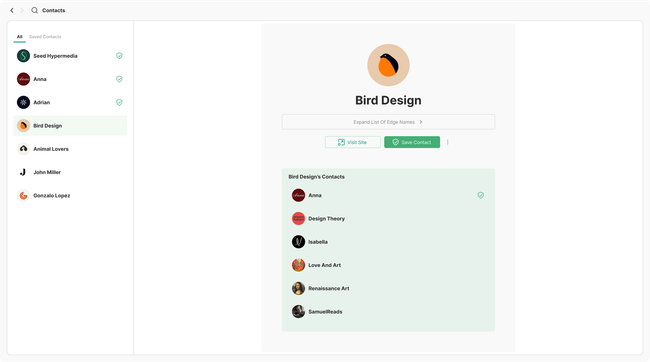
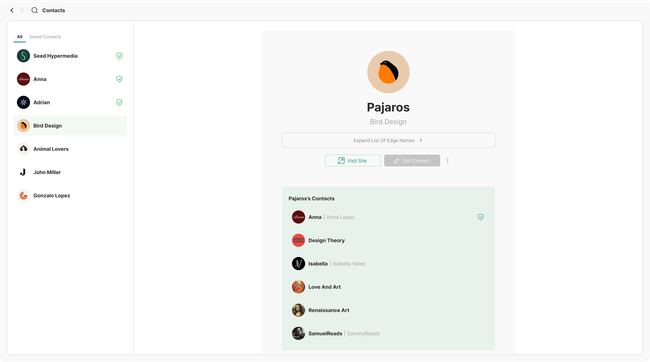
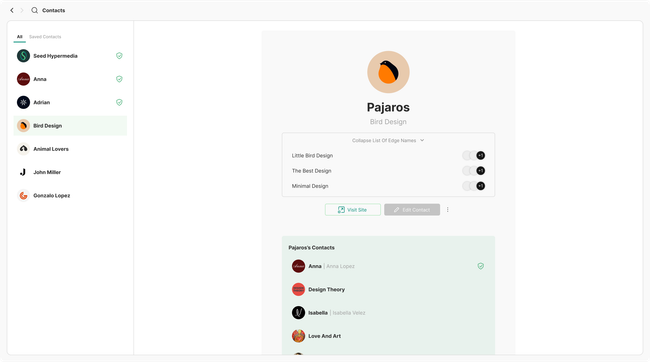
The profile view will be contained in the contacts page. Here users can navigate though the profile which will contain account activity, collaborator list, members list (authors and commentors) and any other relevant information.
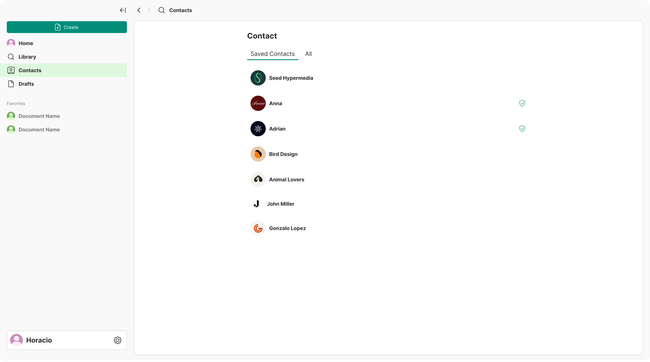
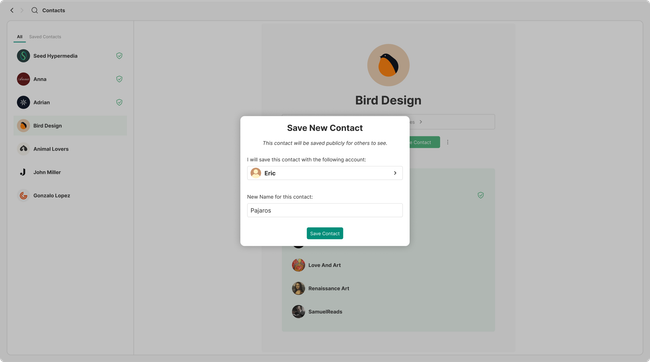
Additionally as contact will be contained in the contacts page, this one will show the contacts listed and when opened they will display the profile on full screen allowing users to use the bottom tabs once again to navigate back to the identities other views.
Web
On web the tabs from navigation will also be in the bottom right corner.
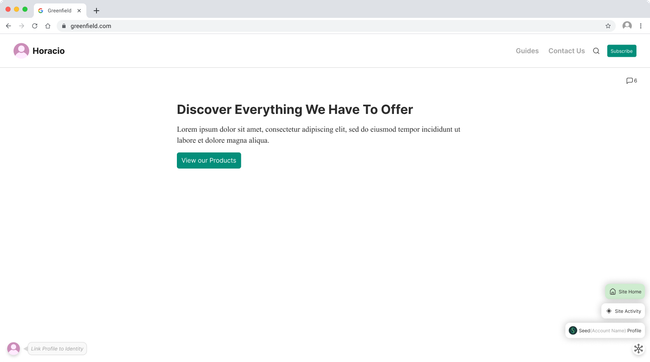
From here the user can easily navigate to the owner of the site's profile or feed, liberating the space form the the site navigation.
Mobile
V1
Do you like what you are reading? Subscribe to receive updates.
Unsubscribe anytime