

Latest Design
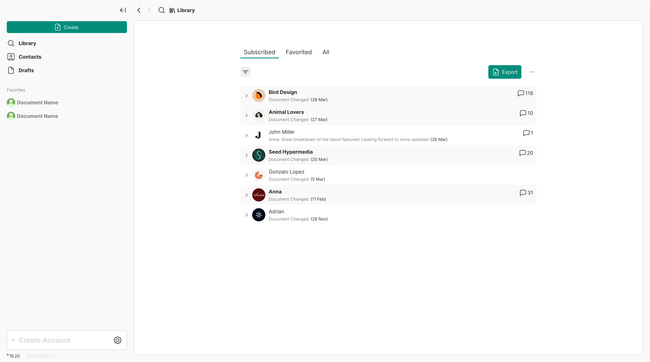
The account picker at the bottom of the side panel (app navigation panel). When no account has been created the account picker has an empty state.
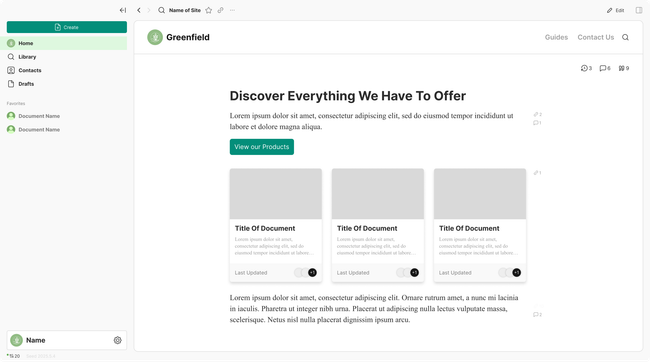
When an account has been added a home button is asses on top of the "Library" button in the navigation.
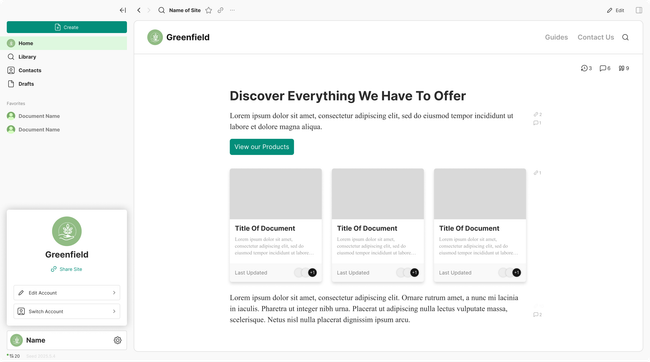
When clicking on the account picker a account card will be opened with resumed information on what you can do with your account like sharing your site, editing your account, and switching your account.
If you click on edit account you get taken to the profile settings to change account information.
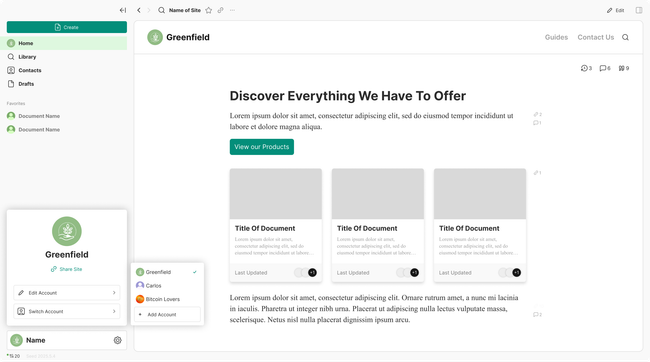
When clicking on switch account you will get a list to switch your accounts or create a new account.
Do you like what you are reading? Subscribe to receive updates.
Unsubscribe anytime
Powered by Seed HypermediaOpen App