


We want users to understand how the system works quickly, at a glance. Our documents are the most essential element in our system, and we have distilled their behaviour over the past 5 years. Users need to understand: directories, permissions, discussions, version control, and money —five things—all of them, at once. I am always stressed because they won't understand five things, but I believe they will!
Why didn't you tell me about the permissions before?"
Oh! I had to understand the directory to understand how this works...
I don't know where to create documents.
Oh! I didn't see this before! There is version control!
In their reading line
Let’s place the key elements right in their reading flow. They’ll start with the title and move downward, naturally encountering the five core concepts early on. This will give them the sense that what they’re seeing isn’t just another blogging tool — there’s something deeper and more sophisticated under the hood.
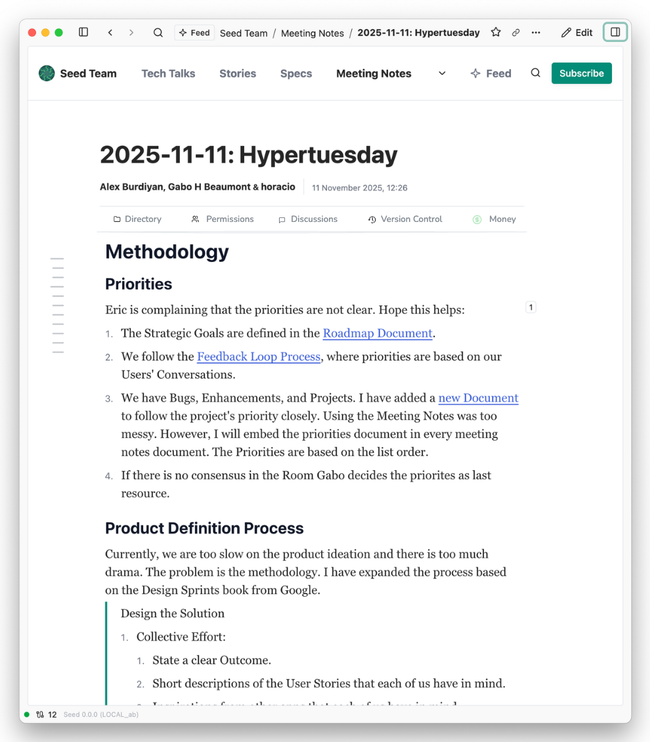
It also works from documents with the title
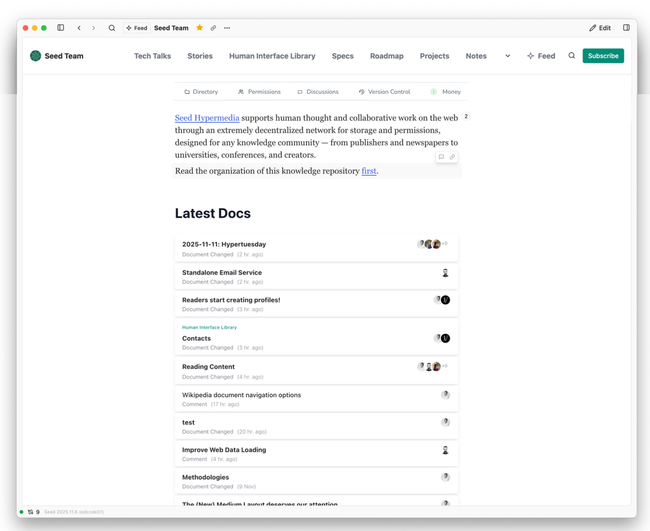
Wikipedia opened my eyes: we can use this resource without needing a Title. Hopefully, we can pull off a better design than Wikipedia:
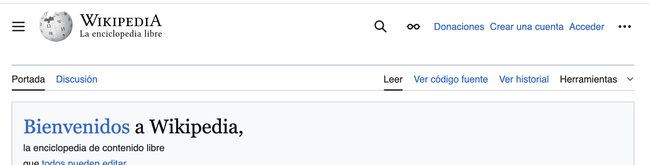
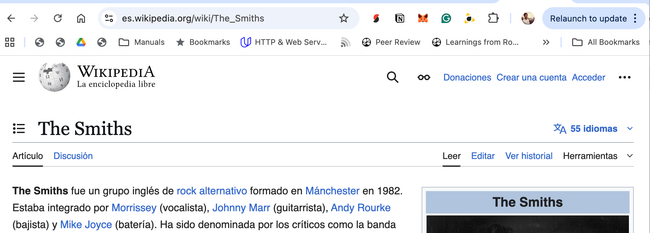
It works excellently with Mobile
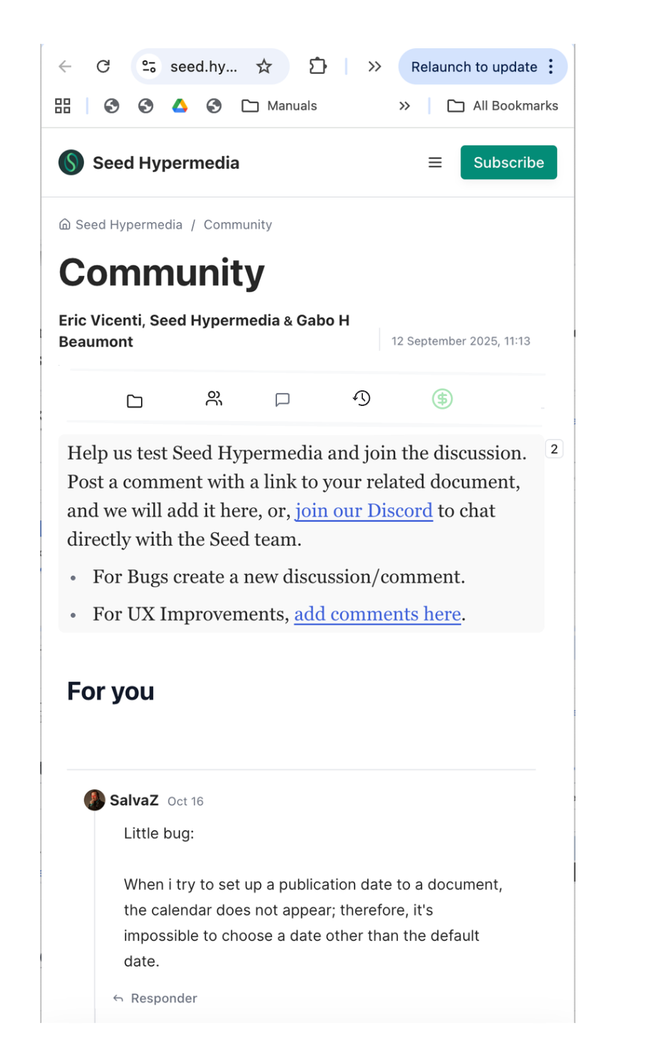
Substack uses the component even on the email itself!
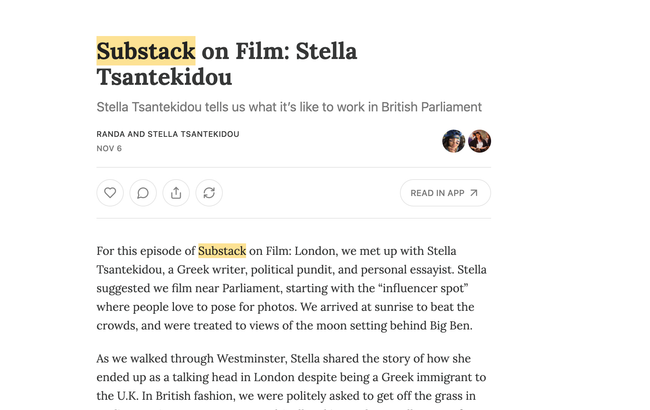
Other Examples
Dev.to
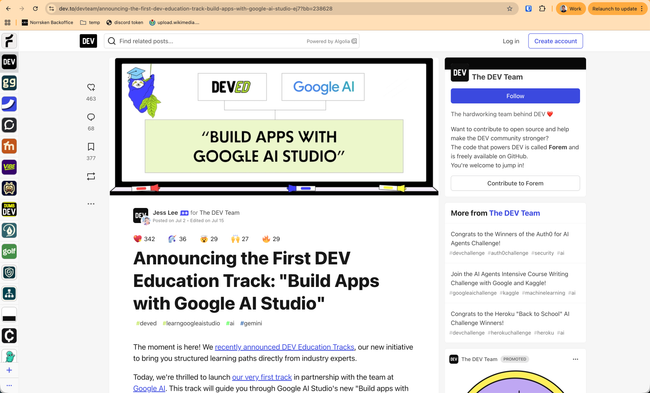
They do have two "interaction" rows: one vertical on the left side, and one on top of the document title.
The interactions on top of the title are all the reactions users have had to the document, and the 463 on the left is the TOTAL of all the reactions
On mobile tho, they do add the interactions as a tap bar

Both the top bar and the tap bar are fixed while the user scrolls. Clicking on the comments button for example it scrolls to the comment section below the document content.
Medium
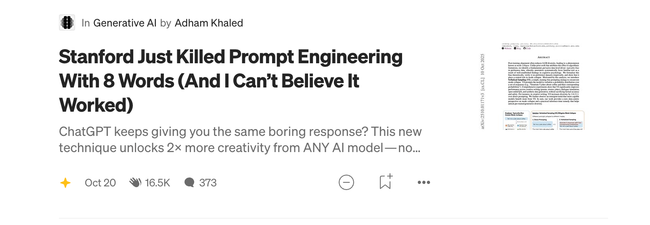
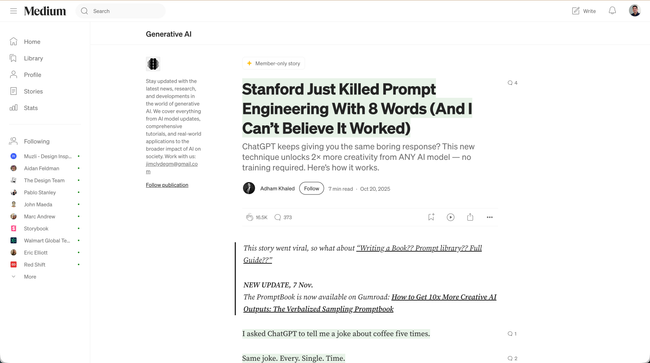
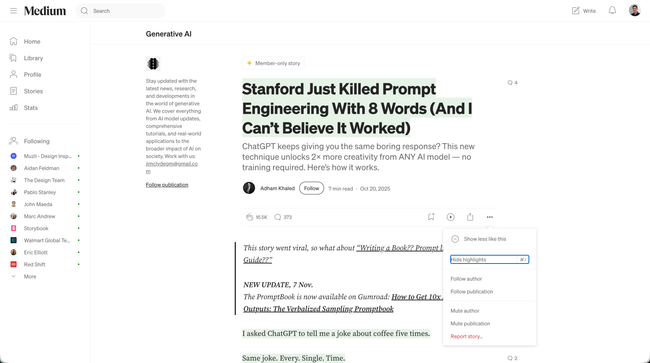
This is interesting because we can see both the summary of the interactivity of the document and also how the platform plays along "Publications"
But on mobile, they do the same as Dev.to!
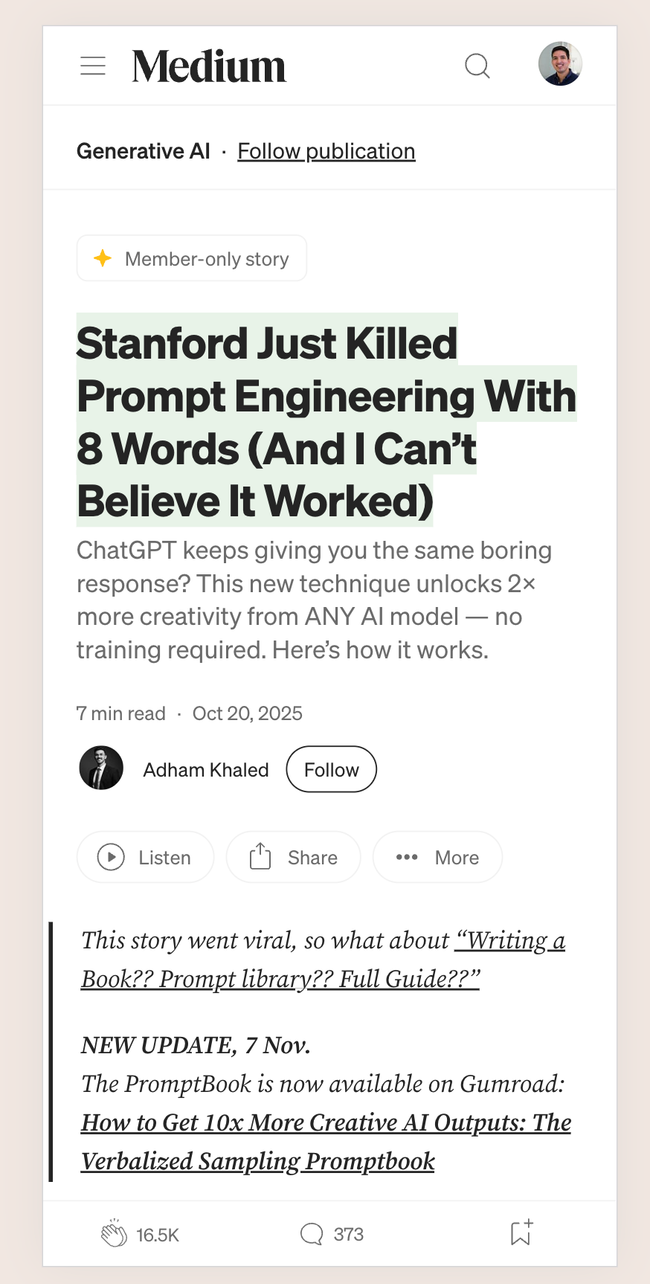
The difference from dev.to is that they hide the bars when the user scrolls. which is what we do now for the site header. This is cleaner IMHO. The interactions with the buttons are different here: the clap just changes state, the comments open a new panel on top and the bookmark opens a popover.
Do you like what you are reading? Subscribe to receive updates.
Unsubscribe anytime